Main Features
- Multi-modal Input: Use voice, text, or images (like posters or screenshots) to plan your day
- Multi-platform Usage: Available via Toki app, WhatsApp, or Telegram simultaneously
- Calendar Sync Management: Centrally manage all calendars using cutting-edge AI technology
- Call Alerts: Toki can even call you to ensure you don't miss anything important
How to Use
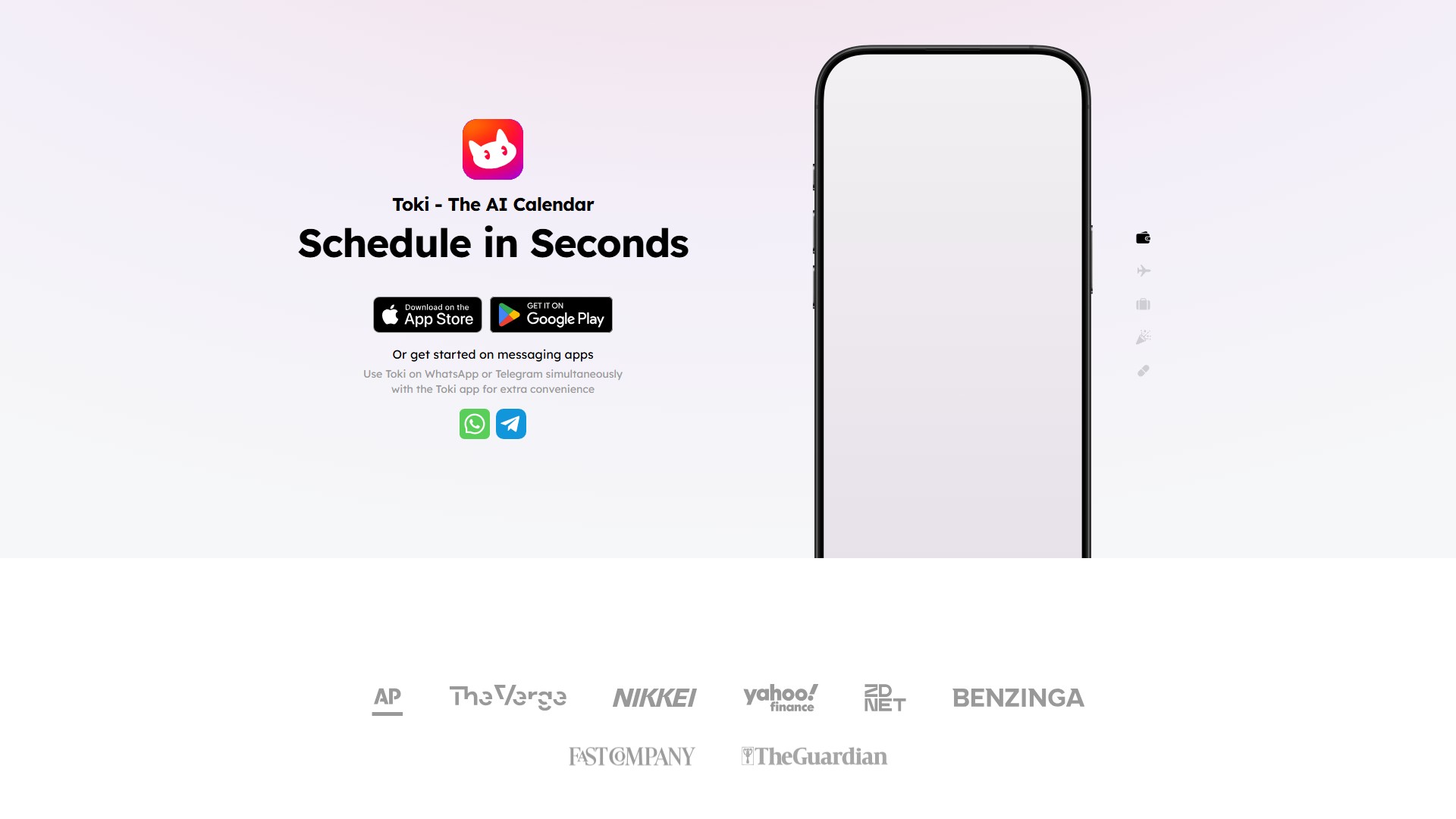
- Download Toki app (App Store and Google Play)
- Or use directly on WhatsApp or Telegram
Target Users
- Busy professionals
- Users needing efficient time management
- Team collaboration scenarios
Core Advantages
- Schedule in Seconds: Complete scheduling in just a few seconds
- Smart Understanding: Understands complex scheduling needs (e.g., user's Indianapolis Motor Speedway eclipse event)
- Multi-language Support: Page shows support for 40+ languages
- Seamless Sync: Events immediately appear in other calendars like Google Calendar
User Feedback
- The Verge praises it as a clever and surprisingly powerful AI assistant that communicates through text messages
- FastCompany calls it the AI calendar assistant you've been waiting for
- Users report impressive accuracy and quick event creation with great syncing
FAQ
The page provides FAQ section including: Who is Toki, What's special about Toki, Where to use Toki, How to get help, Upcoming features, Data safety, and How to contact the team.
- 수집 시간:2024-06-19
-
가격 모델:
Freemium
#생산성
#라이프 어시스턴트
Freemium
App
Website