Main Features
- AI Background Removal: One-click transparent image creation with precise cutout
- AI Background Change: Smart background replacement with 1000+ ready templates
- AI Photo Enhancement: Improve photo clarity and quality, up to 4K resolution
- AI Magic Eraser: Remove unwanted objects from photos
- AI Image Extender: Expand photo content using AI outpainting technology
- AI ID Photo Maker: Change ID photo size and background color, support global standards
- Batch Photo Editing: Process multiple photos simultaneously
- AI Image-to-Image: Generate new images based on existing ones
- AI Object Replace: Free replacement of objects in images
- AI Background Generator: Create realistic professional backgrounds at low cost
- AI Image Generator: Generate AI images from text prompts
Usage Instructions
- Support image upload or URL paste (CTRL+V)
- Supported formats: JPEG, JPG, PNG, WebP, BMP
- Drag and drop files to designated area to start editing
- No registration or login required
Target Users
- General users: Daily photo editing needs
- Designers: Improve work efficiency and design quality
- E-commerce sellers: Create professional product images to boost sales
- AI tech enthusiasts: Explore AI image processing technology
Core Advantages
- Completely Free: Daily free usage quota
- No Registration: Direct online use
- Comprehensive Features: Over 50 AI tools
- Advanced Technology: Using Stable Diffusion 1.5/SDXL/Flux models
- High Processing Volume: Over 100 million images processed
- Wide User Base: Over 1 million global users
- Commercial Use: Generated images can be used for commercial purposes
- Free Version: Daily free usage quota
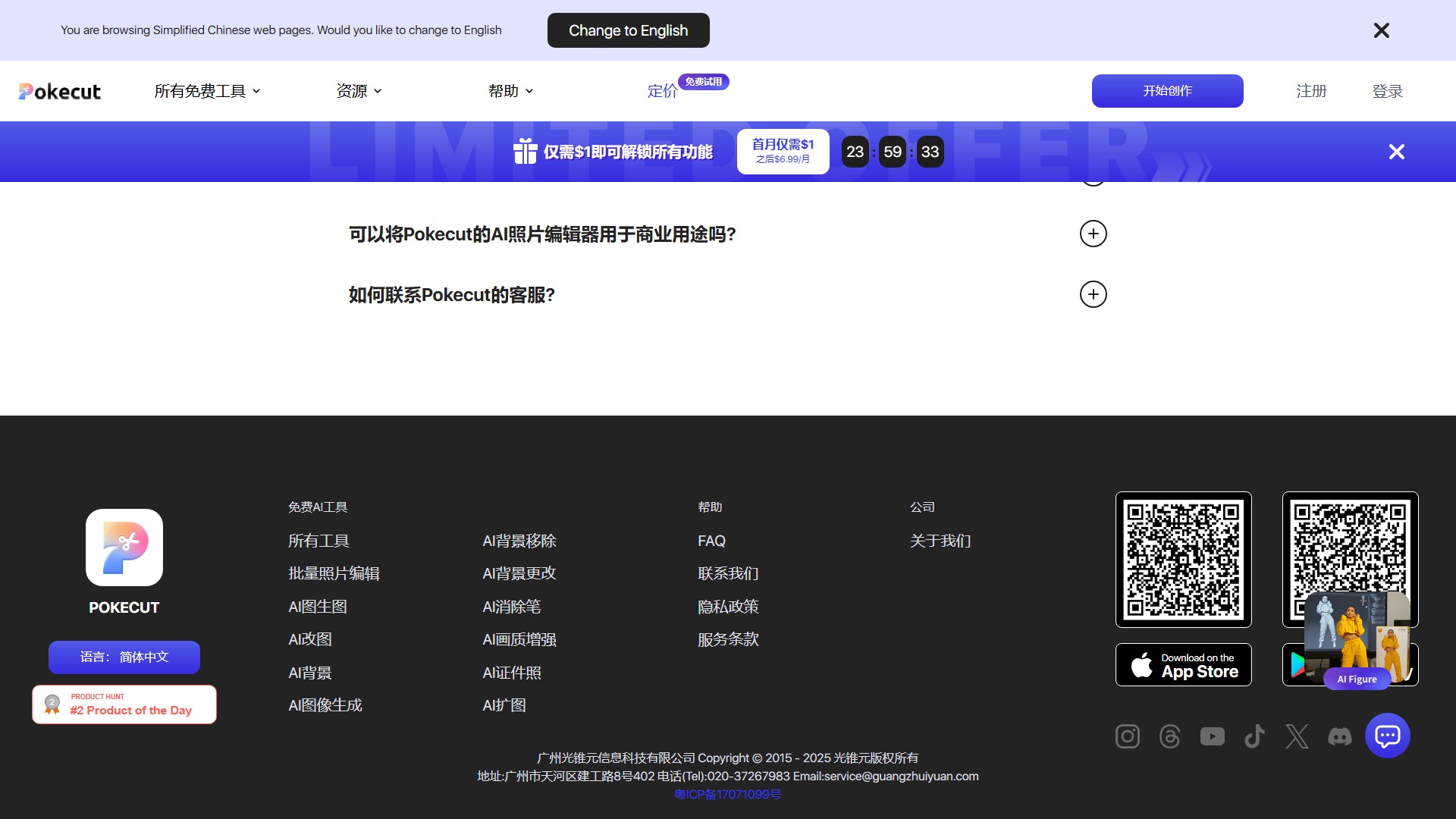
- Paid Version: $1 for the first month, then $6.99/month
- Paid version unlocks all features
Typical Use Cases
- E-commerce product image creation: Quick background removal, generate professional product images
- Portrait photo optimization: Remove passersby, smart image extension, quality restoration
- ID photo creation: Automatic cutout and background change, support various standard sizes
- Old photo restoration: AI quality enhancement, revive memories
- Social media creation: Add stickers and text, generate viral content
FAQ
- What is Pokecut?: Free online photo editing tool with AI image generation features
- Is it free?: Yes, with daily free usage quota
- Need registration?: No, can be used directly
- Commercial use allowed?: Yes, but copyrights of non-Pokecut design resources are not managed by Pokecut
- How to contact support?: feedback@pokecut.com
- 収集時間:2025-09-16
-
価格設定モデル:
Freemium
Paid
#画像編集
#画像生成器
Freemium
Paid
Website
App