Main Functions
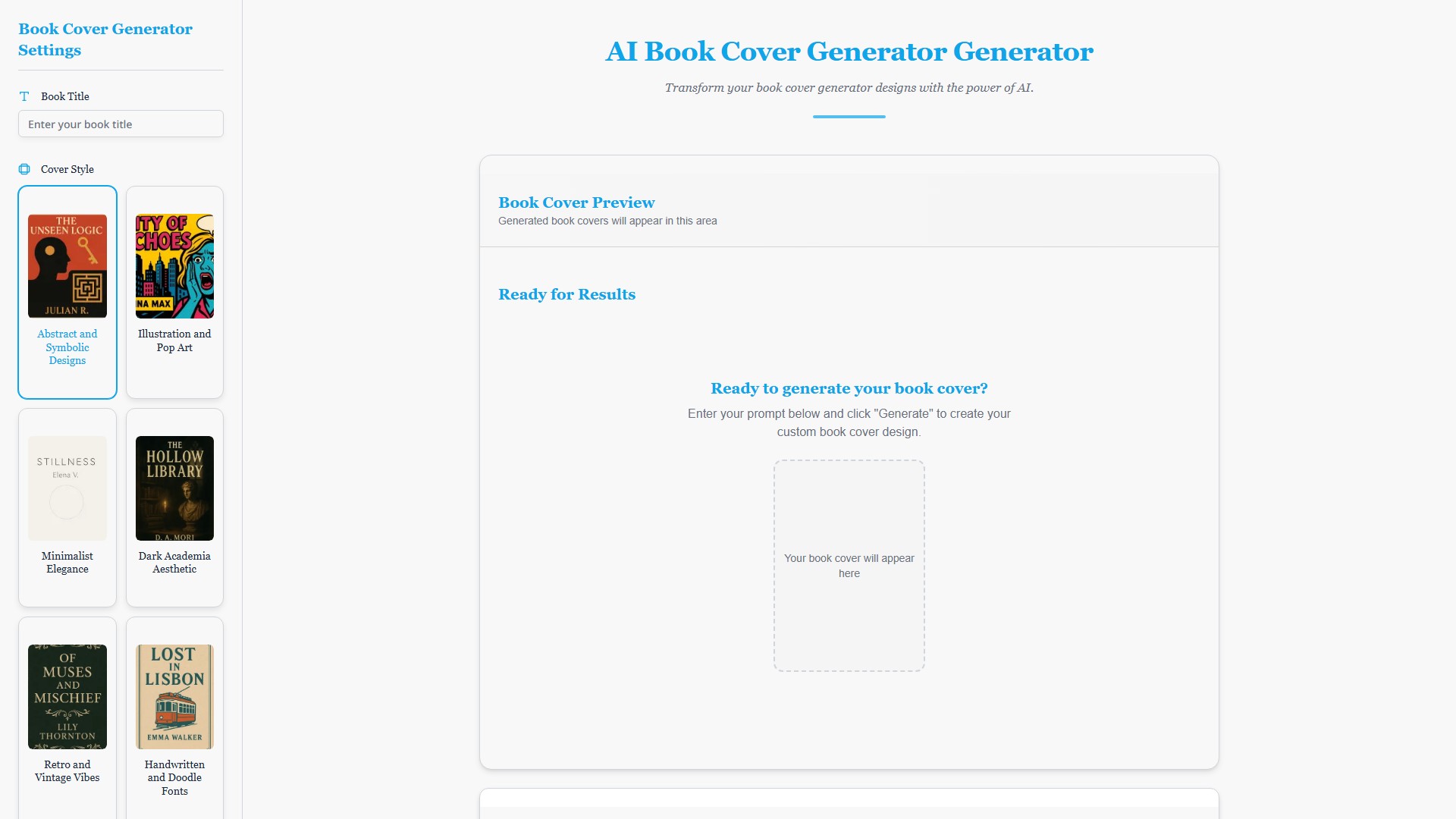
Generates multiple book cover design options in seconds by entering the book title and a descriptive prompt.
Key Features
- Rapid Prototyping: Generate multiple book cover design options in minutes, helping to meet tight publishing schedules.
- Diverse Style Library: Access a curated selection of market-aware cover styles, including Abstract and Symbolic Designs, Illustration and Pop Art, Minimalist Elegance, Dark Academia Aesthetic, Retro and Vintage Vibes, and Handwritten and Doodle Fonts.
- One-Click Styles: Apply stunning, genre-appropriate styles to your book cover design with a single click.
- High-Resolution Outputs: Get crisp, clear, and vibrant files, ready for print and digital distribution.
- User-Friendly Interface: A simple and intuitive platform suitable for first-time authors and seasoned publishers alike.
How to Use
- Enter the Book Title.
- Select a Cover Style.
- Select a Cover Color Theme (or Random).
- Select a Cover Size (Kindle, 6x9 in Print, A5 eBook, Square).
- Select an Output Format (JPG or PNG).
- Enter a descriptive prompt (max 200 characters).
- Click the "Generate" button.
Target Users
Independent authors, publishers, freelance designers, and all creators needing to create book covers.
Core Advantages
- Professional & Efficient: Achieve a professional book cover design without the traditional hassle and time commitment.
- Market-Aware: The AI ensures the design is not only beautiful but also effectively targets the intended audience.
- Cost-Effective: Provides a high-value solution for independent authors on a budget.
FAQ
The page lists the following questions but does not provide answers:
- How do I create a book cover design with BookCoverDesign.ai?
- What kind of books benefit most from your book cover design tool?
- Are there different styles available for my book cover design?
The page does not provide specific pricing details or payment models.
- 収集時間:2025-09-16
-
価格設定モデル:
Freemium
Paid
#画像生成器
#デザインアシスタント
#芸術
Freemium
Paid
Website