Main Features
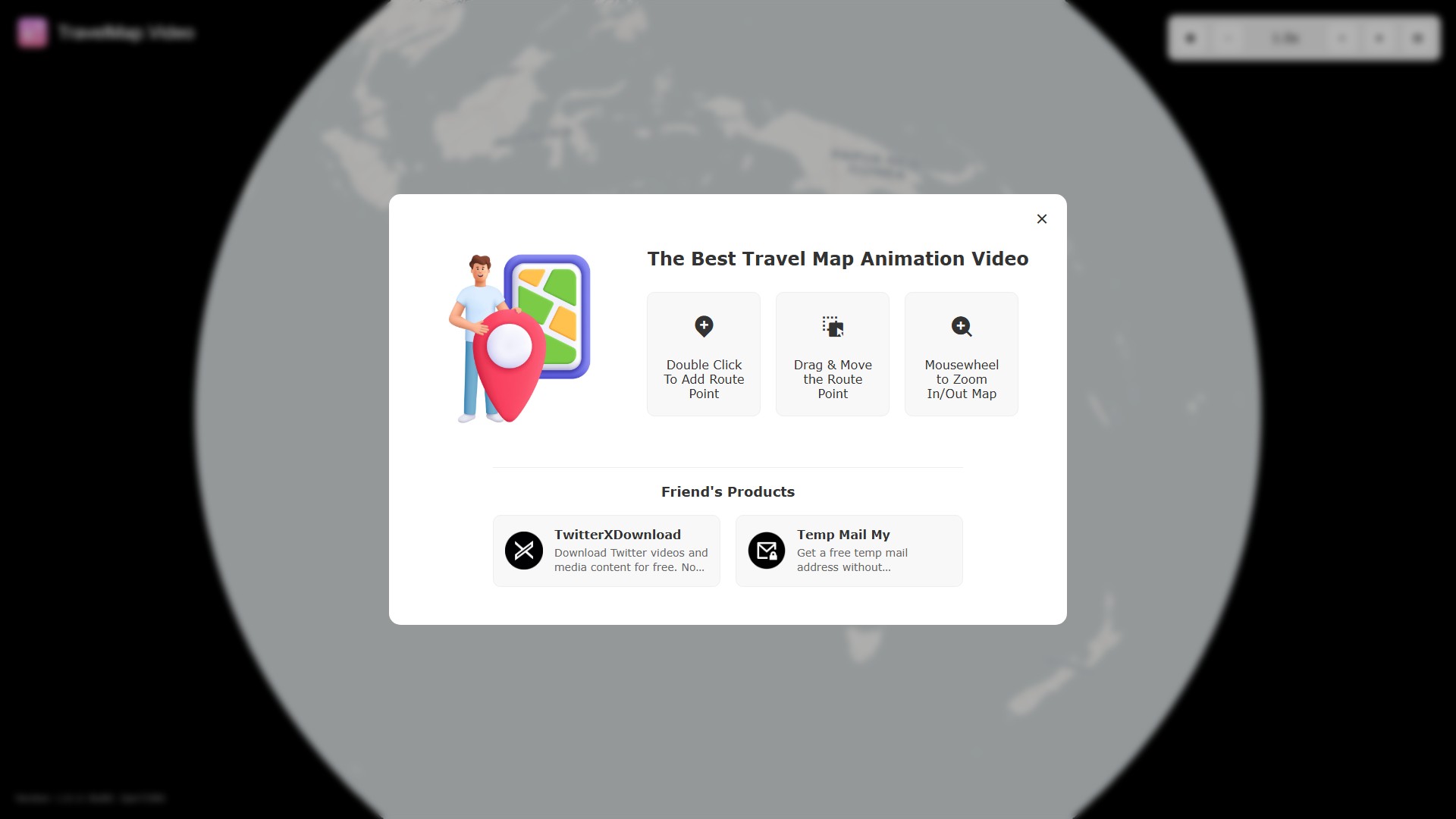
- Route Creation: Add route points by double-clicking on the map, drag to move them, and reorder them.
- Import/Export: Support exporting routes as videos or JSON files, and importing existing JSON files.
- Video Export: Can be exported as WebM or MP4 formats, with a high-quality rendering option.
Customization Options
- Map Styles: Offers multiple map styles, including Dark, Light, OpenStreetMap, and various satellite views.
- Vehicles: Provides a large selection of 3D models to choose from, such as jeeps, pickup trucks, sailing yachts, light planes, and various muscle cars.
- Route Settings: Customize camera follow, show point names, route color, etc.
How to Use
- Add Point: Double-click on the map to add a route point.
- Move Point: Drag the route point to adjust its position.
- Zoom: Use the mouse wheel to zoom in/out of the map.
- Export: After setting up the route, click "Export Video" to generate the video.
Target Users & Core Advantage
- Target Users: Travel bloggers, vloggers, or any individual or organization wanting to visually present a travel itinerary.
- Core Advantage: Intuitive operation, rich visual effects, and the web version is free to use. A desktop app is available to unlock more features (e.g., combining audio).
- Temps De Collecte:2025-09-16
-
Modèle De Prix:
Free
#Générateur de vidéo
#Voyage
Free
Website
MacOS